
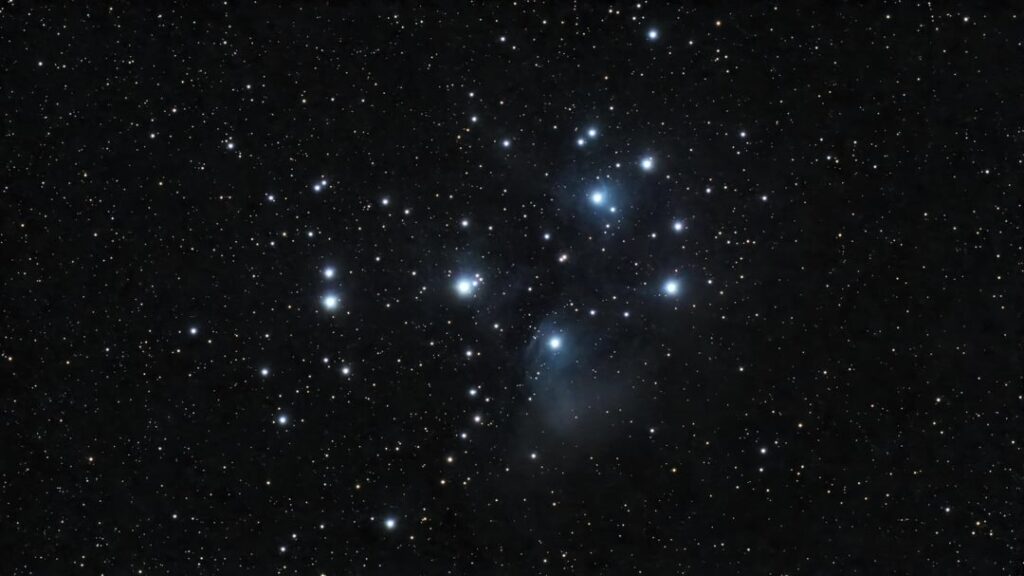
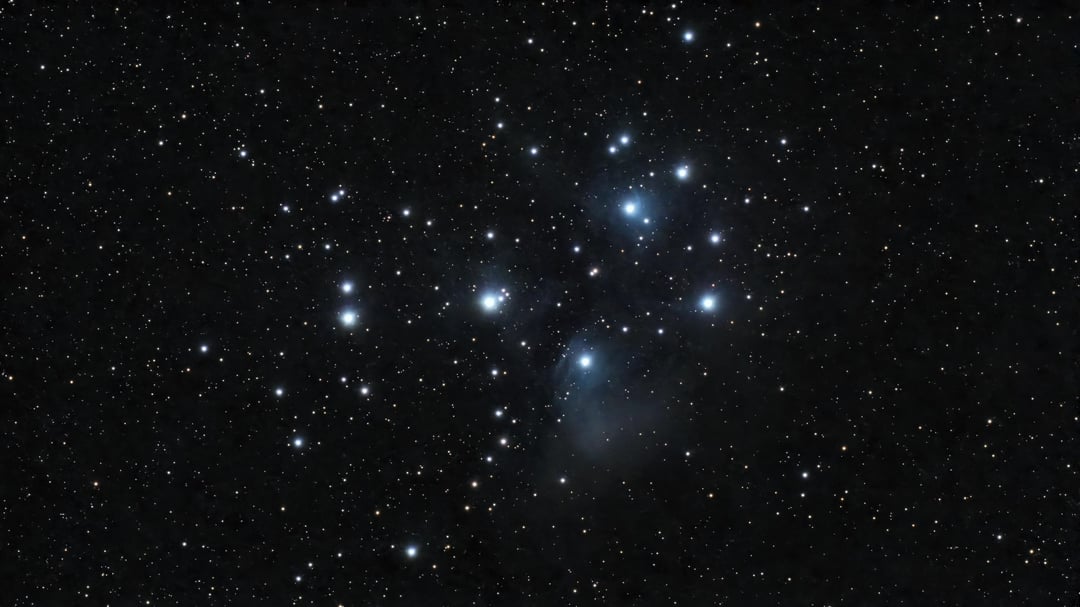
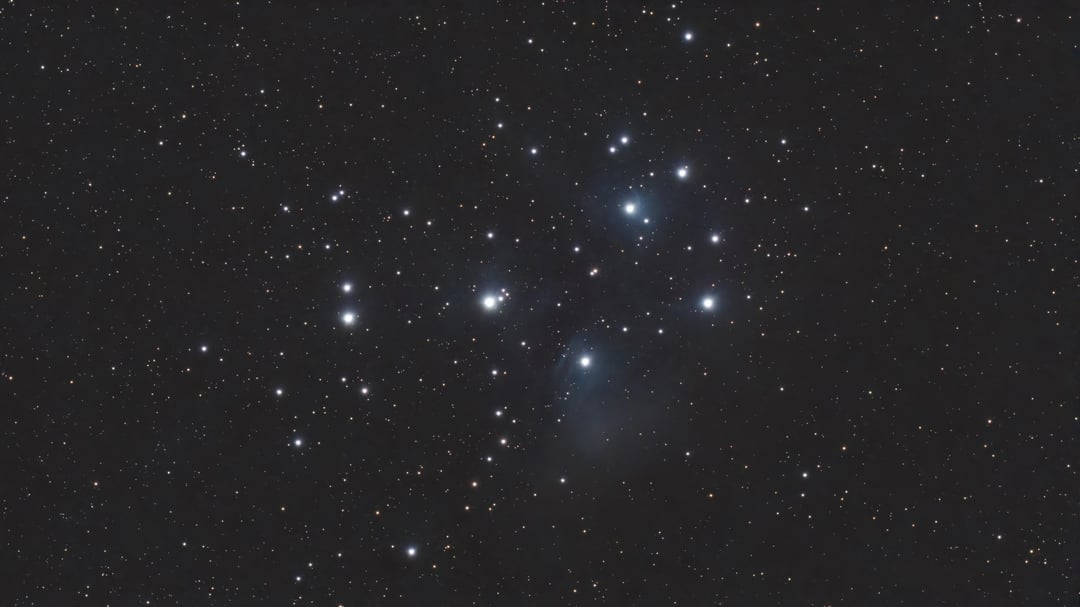
60s subs, Gain 50, 30-minute integration from a Bortle 6 site in New England. Not a serious session — this was a calibration run before a longer M106 target. But it turned into a useful processing comparison.
The Stellar Studio pipeline (denoise → star correction → Auto, in that order) gets you most of the way there on a bright target like M45. But at 30 minutes the output carries a grey background cast that Auto can’t fully resolve with limited signal. Four Snapseed steps after — Adjust, Dehaze, Curves, White Balance — clean that up without touching dedicated astrophotography software.
The key finding: sequence order in Stellar Studio matters. Auto produces noticeably better results on data that has already been denoised and star-corrected than on the raw stack.
Full processing breakdown with settings screenshots here 👉 https://dwarfastro.com/processing-pleiades-dwarf-3-snapseed-stellar-studio/
Gear: DWARFLab DWARF 3, EQ mode, 60s subs, Gain 50
Clear Skies!
by AstroFanM31
1 Comment
Here I always thought that auto included denoise and star correction. Will try the workflow as you say, cheers.