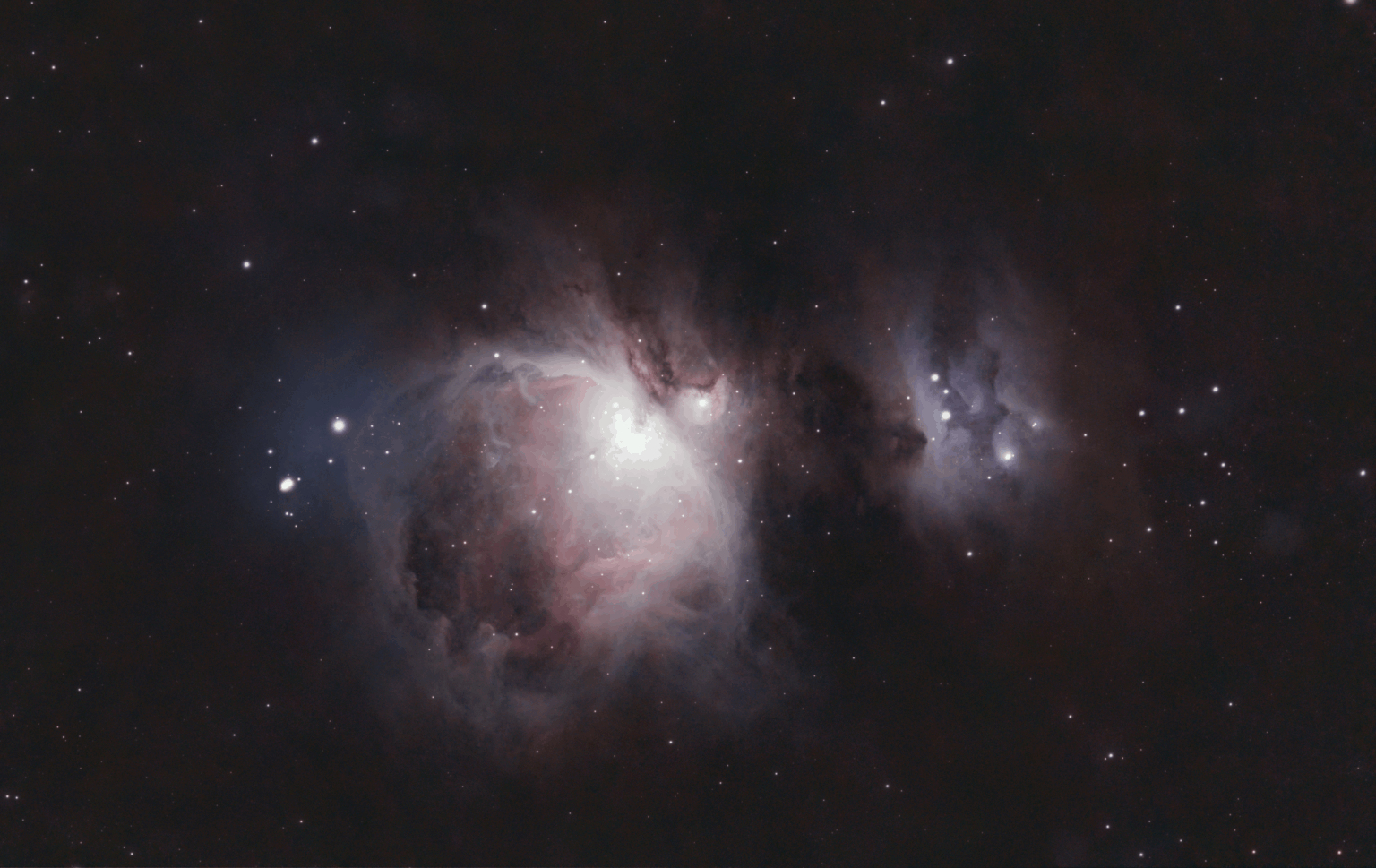
This was a nostalgic imaging project using my first ever astrophotography imaging rig. I chose Orion Nebula as it is the brightest object and size for this system. With the moon and city light dome in the general direction of the object, this was a challenging object to process due to those restriction as well as the Bortle 7 skies.Overall image turned out pretty good! The imaging session went into 2026, so that was a nice perk to occur.


1 Comment
**Comments**
This was a nostalgic imaging project using my first ever astrophotography imaging rig. I chose Orion Nebula as it is the brightest object and size for this system. With the moon and city light dome in the general direction of the object, this was a challenging object to process due to those restriction as well as the Bortle 7 skies.Overall image turned out pretty good! The imaging session went into 2026, so that was a nice perk to occur.
* Astrobin : https://app.astrobin.com/i/7k4kgs
**Moon Phase, Light Pollution, and Date**
* Average Moon Phase: 88%
* Bortle 7
* 2025: Dec. 31.
**Equipment**
* Telescope/Lens: **William Optics ZenithStar 61 (360 mm at f/5.9)**
* Flattener/Reducer: William Optics FLAT 61A (1.0x Native focal length)
* Filter: None
* Mount: **Sky-Watcher Star Adventurer**
* Camera: **Canon 80D (Stock)**
* Dew Heater: PROTAGE USB Dew Heater
* Camera Remote Shutter: Neewer
**Software**
* DeepSkyStacker (Calibration)
* Photoshop (Processing)
* PixInsight (Processing)
**Acquisition**
* Total Exposure: **2 Hours**
* No Filter – 720 x 10s (2 hrs)
* Temperature: Cold, Outside temperatures was near or at freezing
* Flats: 40
* Darks: 40
* Bias: 50
* ISO: 800
* Pixel Scale: 2.08″/pixel
**Processing in Photoshop and PixInsight, Calibration in DeepSkyStacker**
DeepSkyStacker
* Remove low quality frames
* Calibration
* Stacking
PixInsight
* RC-Astro BlurXTerminator
* RC-Astro NoiseXTerminator
* Morphological Transformation (Star Reduction)
Photoshop
* RC-Astro StarXTerminator
* RC-Astro NoiseXTerminator
* RC-Astro GradientXTerminator
* Adjusted levels
* Adjusted Curves
* Layer set as “Linear Dodge (Add)” to add back the stars
* Saturation Applied
* Blacks Correction
* Vibrance Applied
* Clarity Applied
* Dehaze Applied
* Sharpening Applied
* Color Noise Reduction
* Crop out edge artifacts